A home screen you can make your own
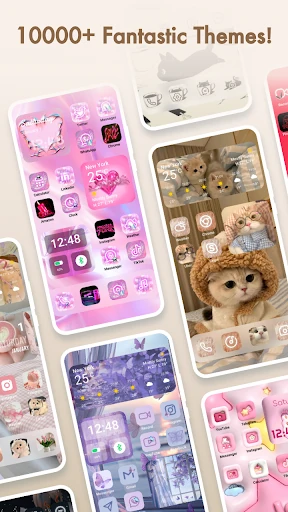
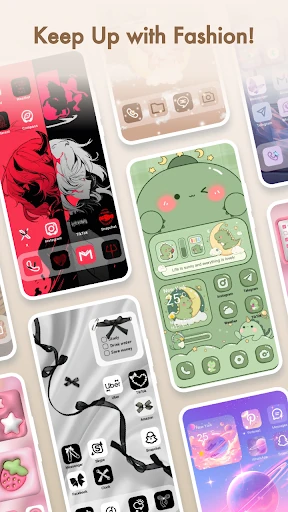
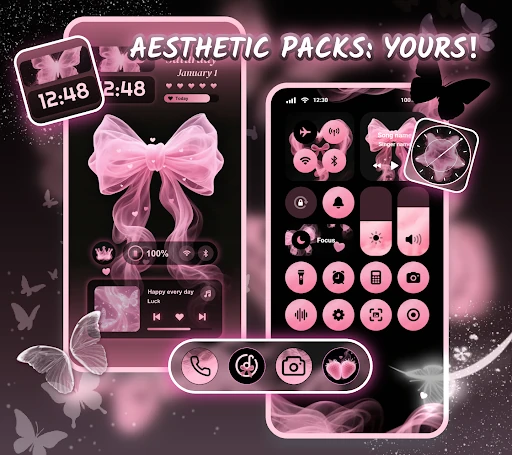
Themepack - App Icons, Widgets is a personalization app for people who want their Android home screen to look less like its default setup. It brings together themes, wallpapers, app icons and widgets, with options to adjust icon styles, colors, backgrounds and fonts. If you enjoy matching the look of your shortcuts and widgets to a particular mood or color scheme, it gives you several parts of the screen to work with in one place.
More than a wallpaper change
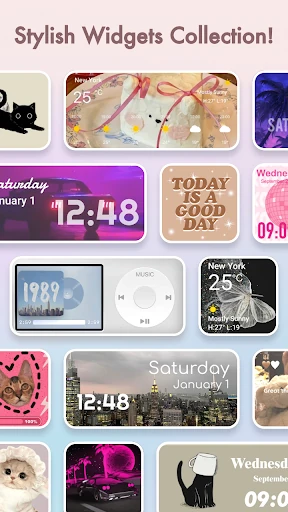
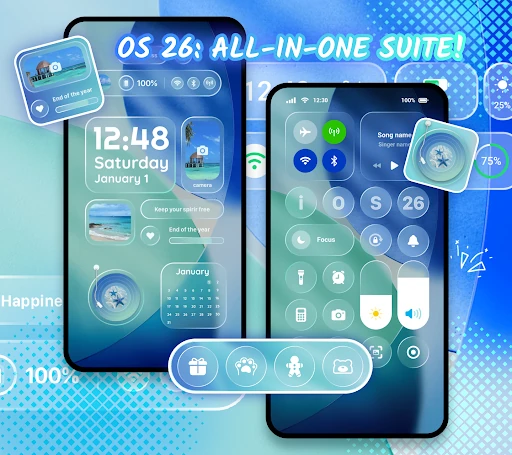
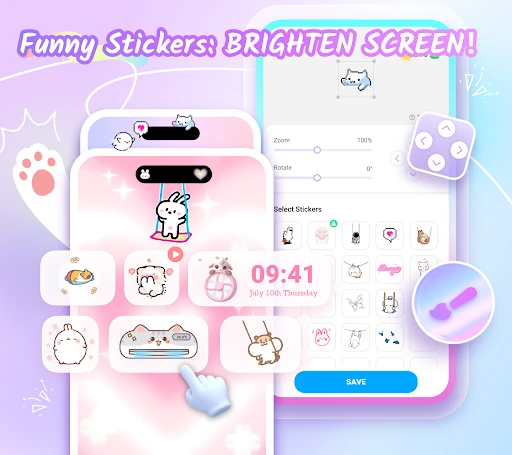
The widget selection includes clocks, calendars, weather, battery information and control-panel-style displays. You can also make image widgets using pictures from your gallery. That gives the home screen more room for personal touches than a background alone, though the appeal is visual: this is for arranging and styling what you see, not a replacement for your phone’s everyday apps.
Useful when starting fresh
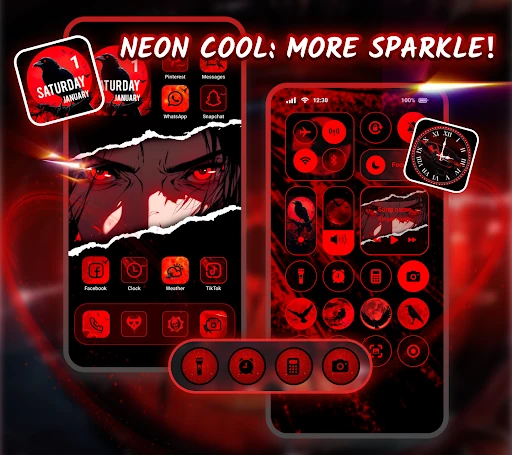
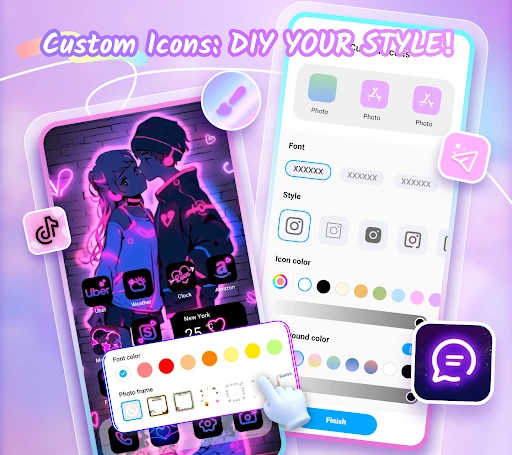
A new phone often means rebuilding the home screen from scratch. Themepack can help if you already know you want a coordinated look, or if you like trying different themes without assembling icons, widgets and wallpaper separately. Its custom icon options let you change the appearance and labels of shortcuts, while the available themes cover styles such as anime, neon, sports and seasonal designs. It is less compelling if you are happy with your standard icons and rarely add widgets.
A well-used personalization pick
YoloTech’s app has a 4.67-star rating from more than 1.2 million reviews and 50 million-plus installs. Those figures suggest a large audience for home-screen customization, but the reason to keep it around is straightforward: it gathers several visual changes in one app, so you can give a fresh phone a more personal look without treating every element as a separate project.